Interactive analyst training.
For your first years in banking and consulting: Excel, the fundamentals, and AI interview prep.
5.0 on the App Store · 20 ratings
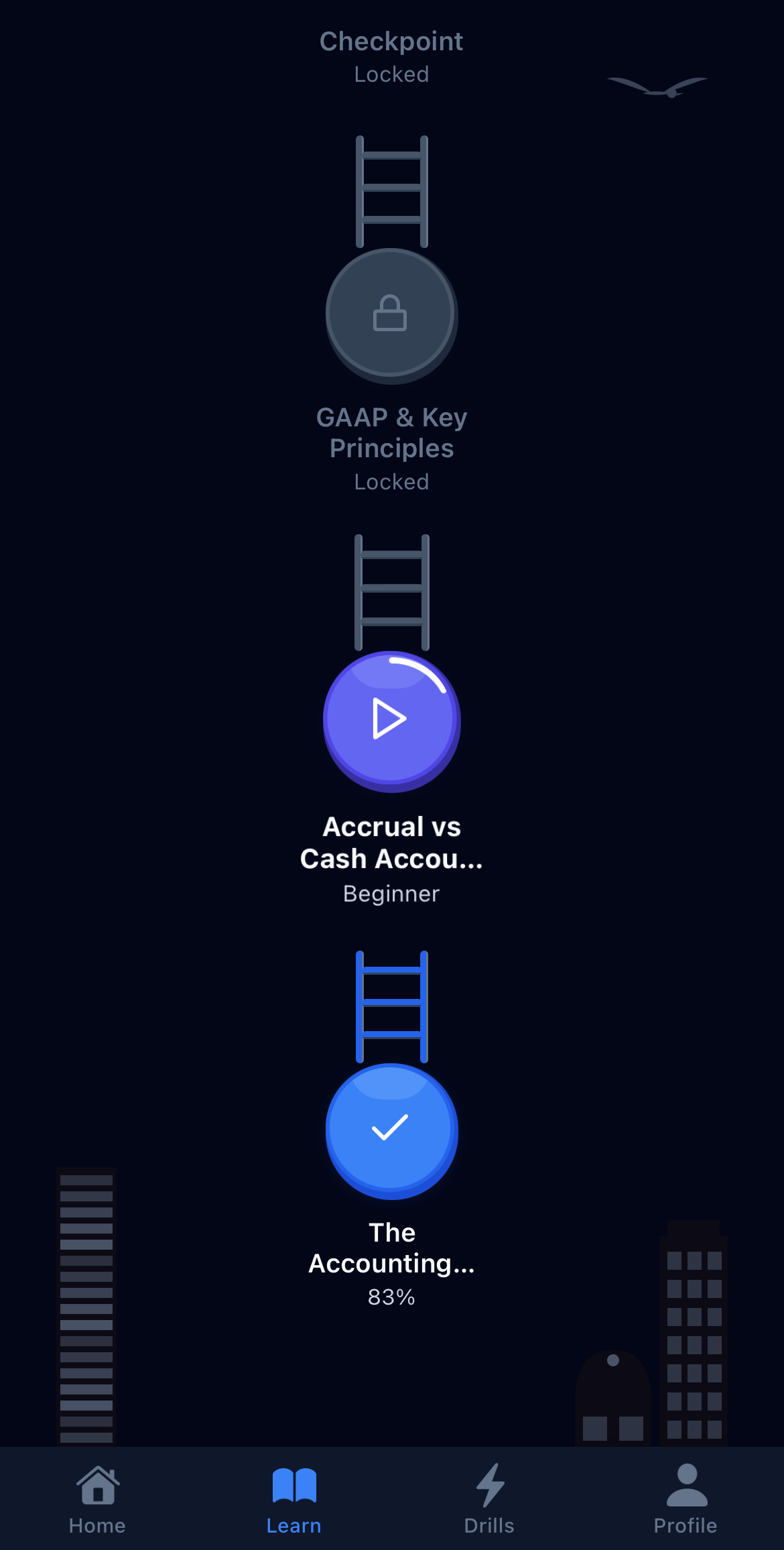
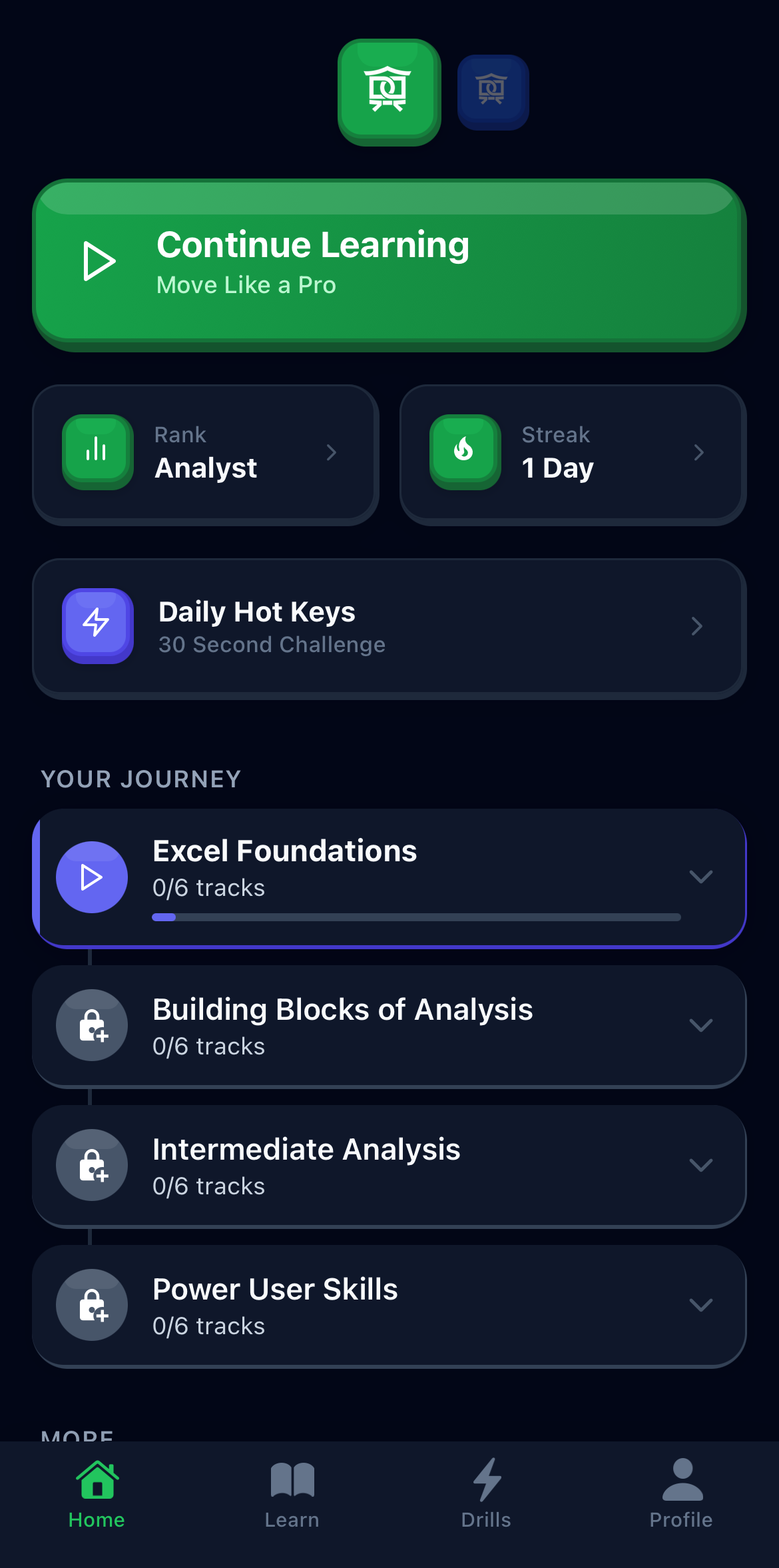
For your first years in banking and consulting: Excel, the fundamentals, and AI interview prep.
5.0 on the App Store · 20 ratings
Read income statements, balance sheets, and cash flow statements
Discount cash flows, evaluate projects, and understand capital structure decisions
Understand risk and return, asset pricing models, and what drives stock prices
Work through bonds, interest rates, options, and derivatives
Add up columns, calculate averages, and move around a spreadsheet quickly
Filter to show only what matters, sort any way you need, summarize with pivot tables
Extract months from dates, clean up messy text, highlight cells that need attention
Look up data across sheets, build formulas that update automatically
160 lessons across Excel and Finance, four worlds each. Finish a world, earn a certificate (Pro).
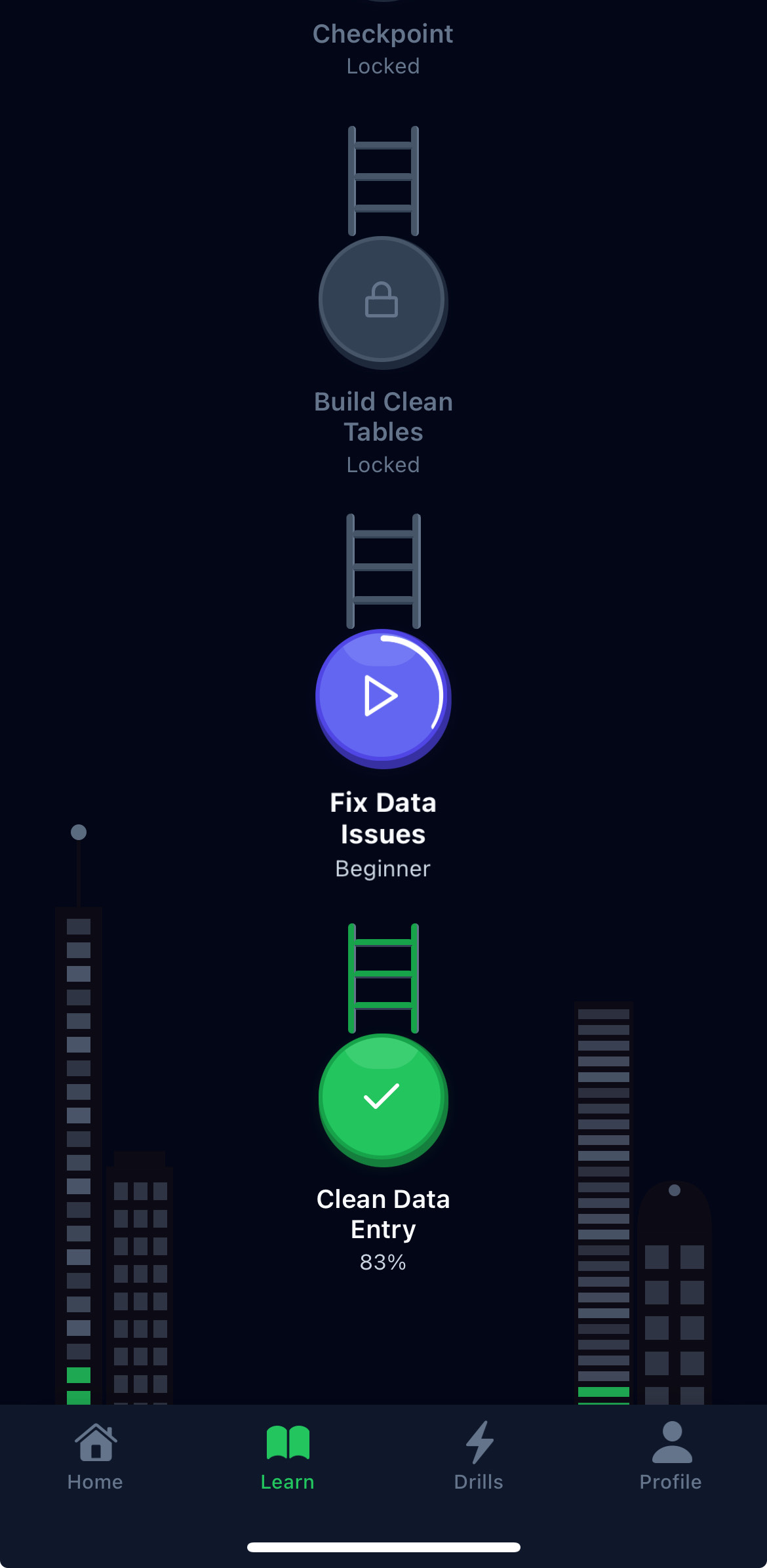
Bite-sized lessons that teach one concept at a time
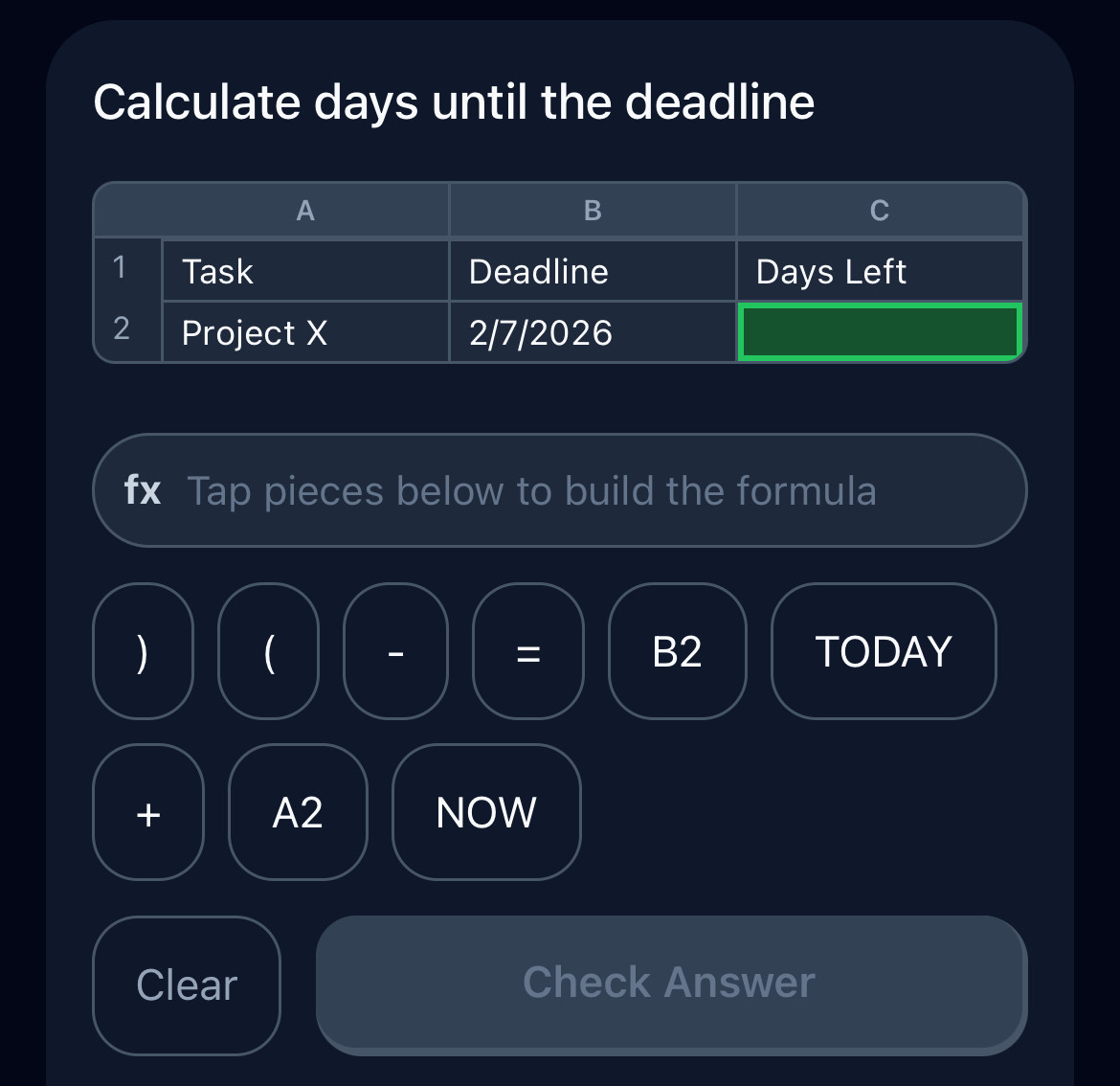
Practice shortcuts and formulas until they stick
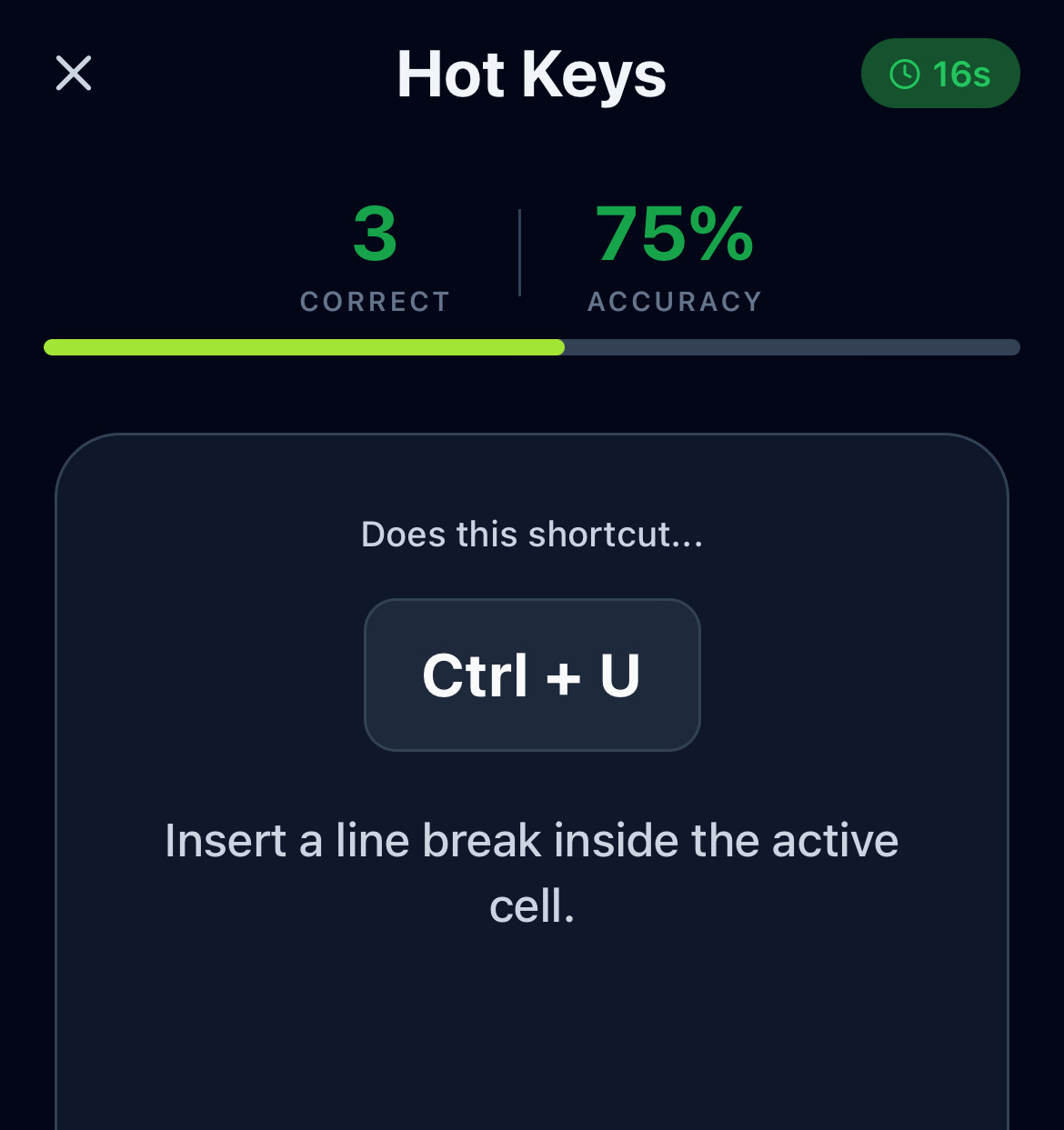
30-second daily games: Excel hot keys, finance concepts
Swipe for more
An AI interviewer for banking and consulting that never warms up and adapts to your responses. It summarizes how you did and what to work on next.
Start free. Go Pro for the full Excel and Finance library, or add Interview Prep.
Does not include Interview Prep.
Inside the Desk Dojo app. Separate subscription. Cancel anytime.
Prices in US dollars. The App Store or Google Play shows your local price.
No. Desk Dojo is a standalone learning app. Practice on your phone, then apply what you learn when you're at your computer.
Two learning modules, Excel (formulas, shortcuts, pivot tables, dynamic arrays) and Finance (accounting, corporate finance, markets, fixed income), both included in Pro. Interview Prep, covering investment banking and consulting, is its own subscription.
No. Pro covers the Excel and Finance learning modules. Interview Prep is a separate $19.99/month subscription that covers AI mock interviews for banking, case interviews for consulting, and the spoken practice, lessons, and drills for both.
Both. Excel starts with navigation and SUM, then builds to XLOOKUP and dynamic arrays. Finance starts with financial statements and builds to options and derivatives.
Each lesson takes about 5 minutes. Complete a world in a few weeks of daily practice, or go at your own pace.
Guides on valuation, deal analysis, and interview prep.
How to answer a standard investment banking technical question: the five-step structure, a model answer you can say in under a minute, and the follow-ups that come next.
Learn how to build a three-statement financial model that links the income statement, cash flow statement, and balance sheet through net income, depreciation, working capital, and capital expenditures.
Learn how to build a merger model step by step, from sources and uses through purchase price allocation to the pro forma combined earnings per share.
Learn how to calculate terminal value using the perpetuity growth method and the exit multiple method, and how the choice between them affects your DCF valuation.
Learn how leveraged buyout analysis works, how debt paydown and EBITDA growth drive equity returns, and how to calculate MOIC and IRR for an LBO.
Learn how accretion/dilution analysis works, how deal structure and P/E ratios determine the outcome, and how to calculate the impact on the buyer's EPS.
Free to start.